
Headless UI
An example for running the Headless UI. The headless UI only requires one input file containing all needed parameters and settings: ModelSettings, CellParameters, CyclingProtocol, SimulationSettings, and SolverSettings. This UI lacks some of the handy input tools setup for the interactive UI using a setup of the model and simulation object passed to the solve() function. The Headless UI is very convenient when running batches of simulations and within a digital twin and/or websocket or restfull api situation.
julia
using BattMo, GLMakie

simulation_input = load_full_simulation_input(; from_default_set = "chen_2020")

output = run_simulation(simulation_input)

plot_dashboard(output; plot_type = "contour")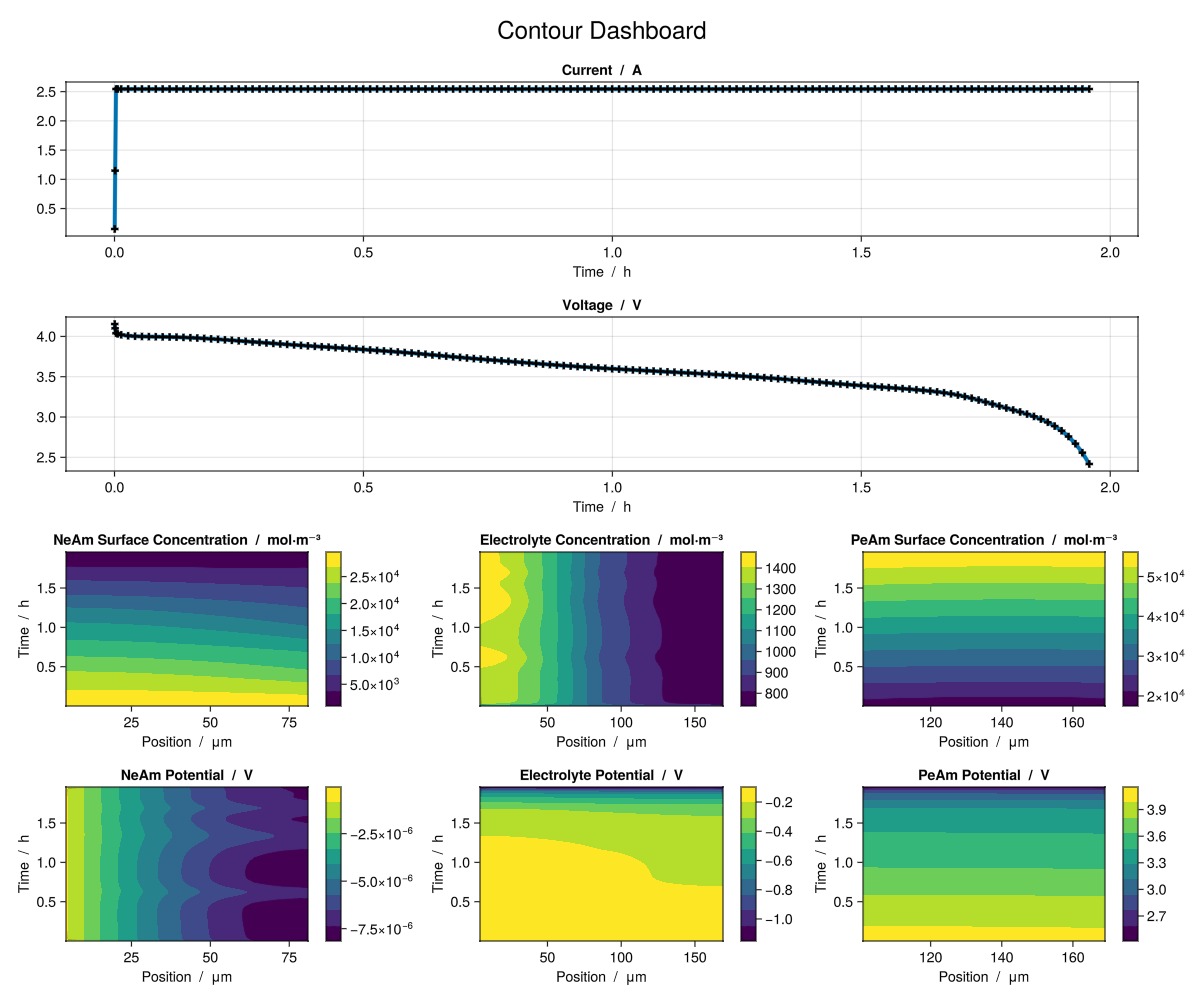
Example on GitHub
If you would like to run this example yourself, it can be downloaded from the BattMo.jl GitHub repository as a script.
This page was generated using Literate.jl.